Connecting to VATSIM
Click the button to open the connection window. The Callsign and Type Code fields are required. SELCAL is optional.
The aircraft type code is the 3- or 4-character ICAO designator for the aircraft you are flying. xPilot uses this to help other pilots see the correct aircraft type in their simulators.
As you type, xPilot will suggest matching aircraft codes. You can search by ICAO code, aircraft model, or manufacturer name. You may see multiple entries with the same ICAO type code but different model names—any of these are fine to select as long as the ICAO type code matches your aircraft.
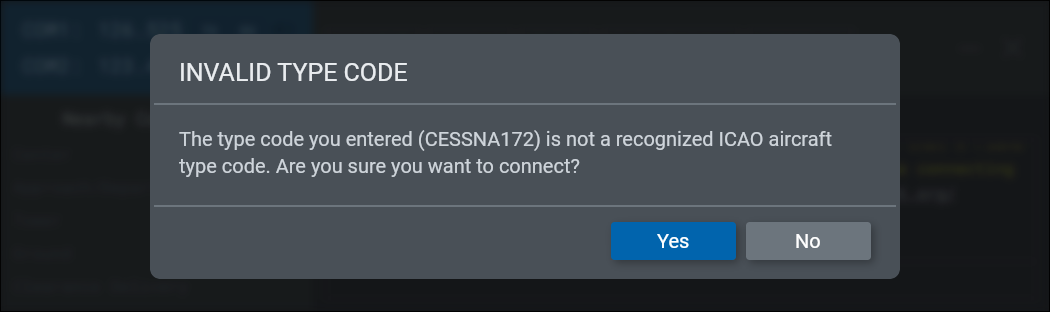
If you enter an aircraft type code that is not recognized, xPilot will warn you before connecting. You can still continue, but other users may not see your aircraft rendered correctly.
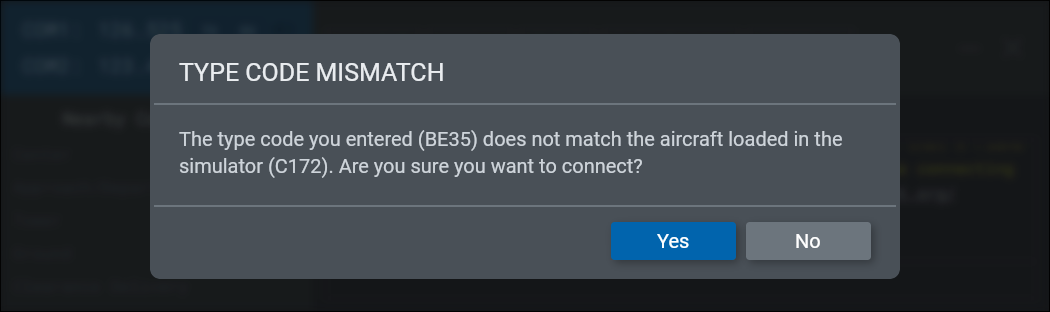
If the type code you entered does not match the aircraft detected in the simulator, xPilot will display a warning so you can double-check it.
For shared cockpit observer connections, see Shared Cockpit/Observer Mode. For tower viewing, see Tower View.